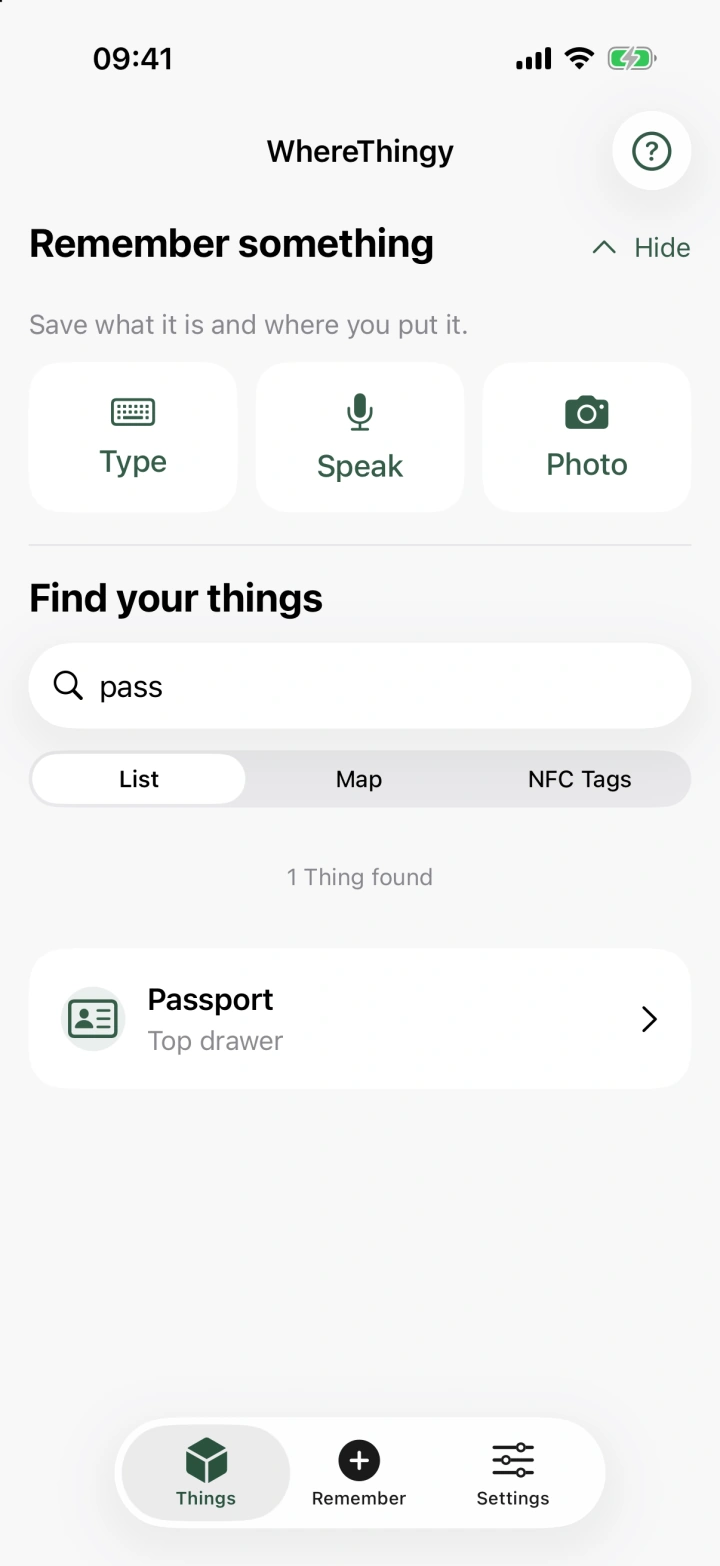
Put it somewhere.
A drawer, a shelf, a box. Wherever makes sense to you.
 WhereThingy
A little help remembering
A home inventory app for iPhone and iPad.
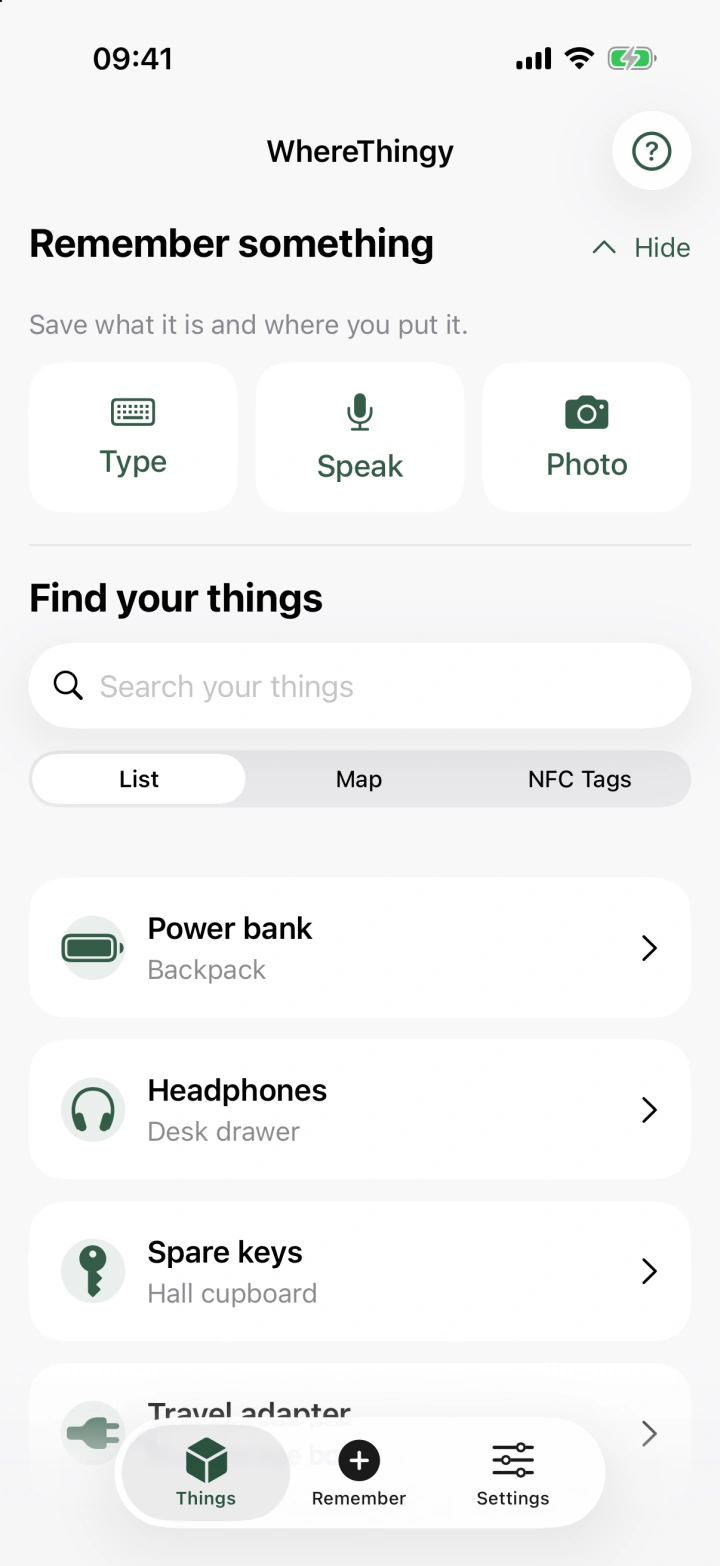
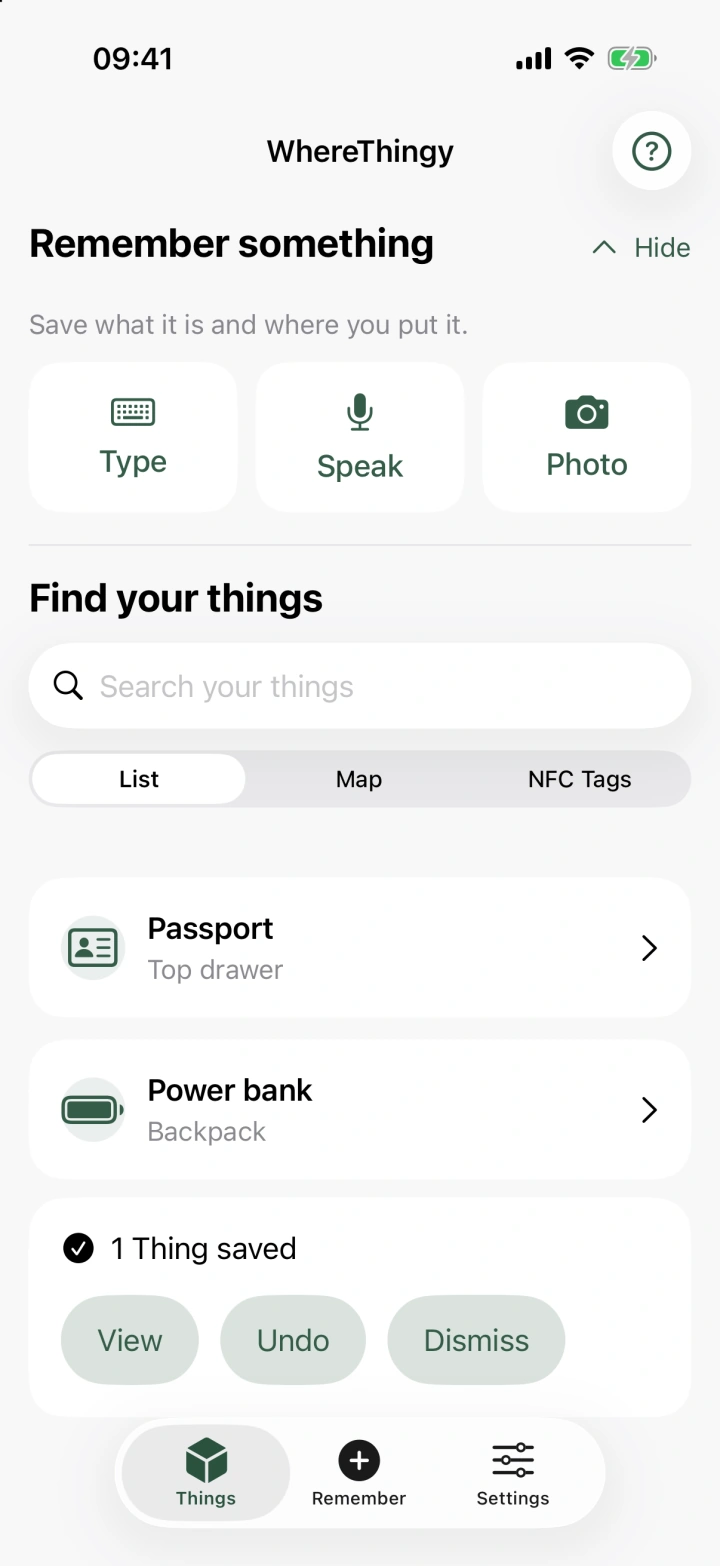
Save where things are. Find them later.
iOS 26 or later
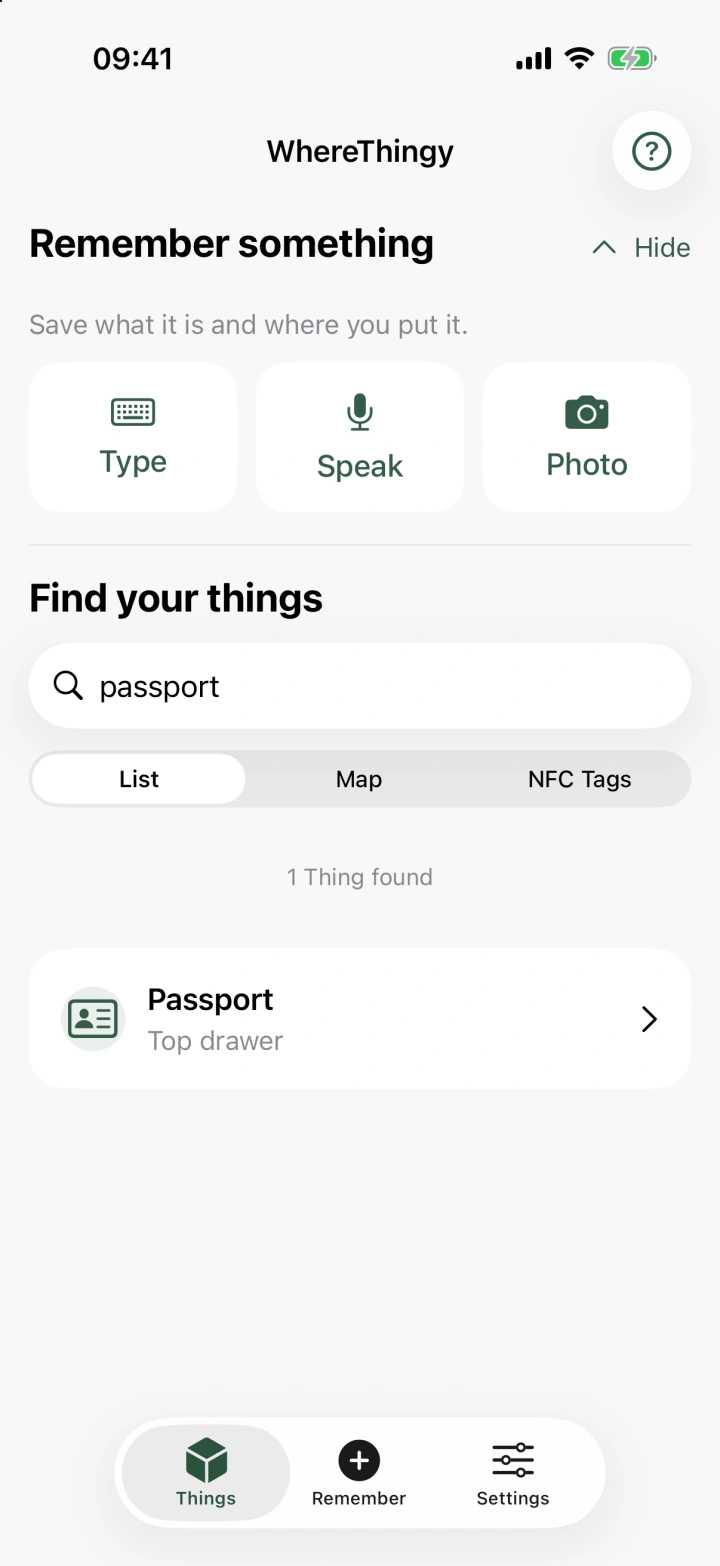
Remember → Find
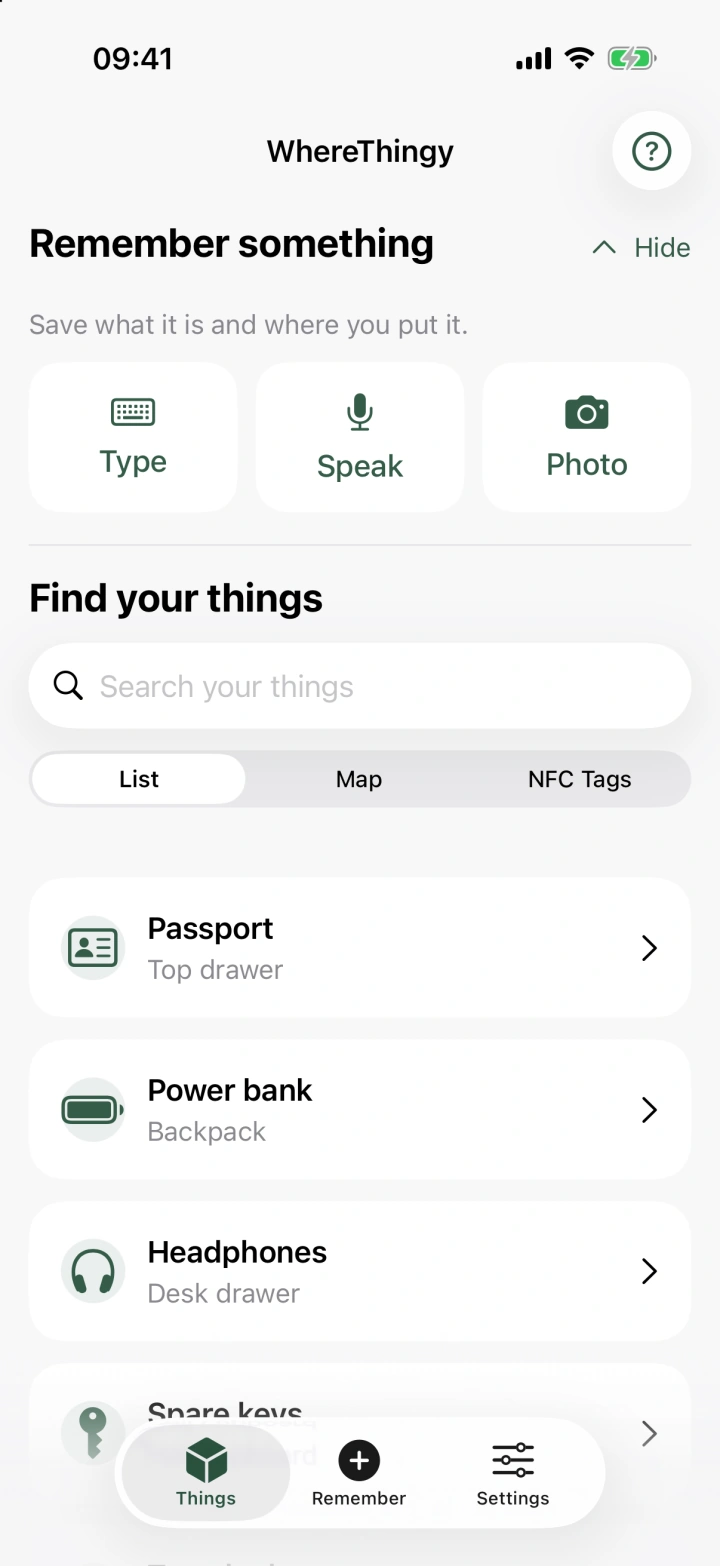
The spare keys. The travel adapter. That thing you put somewhere safe.
A drawer, a shelf, a box. Wherever makes sense to you.
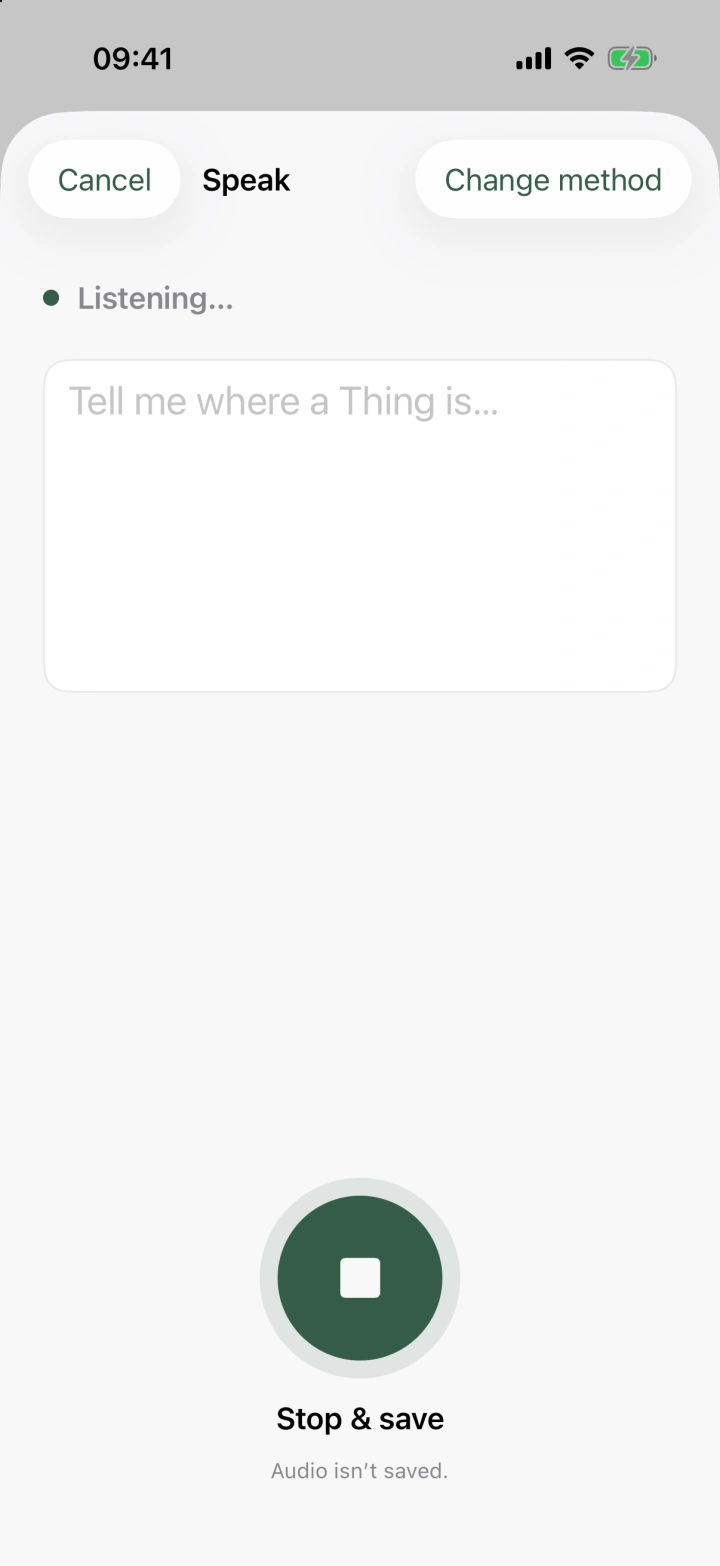
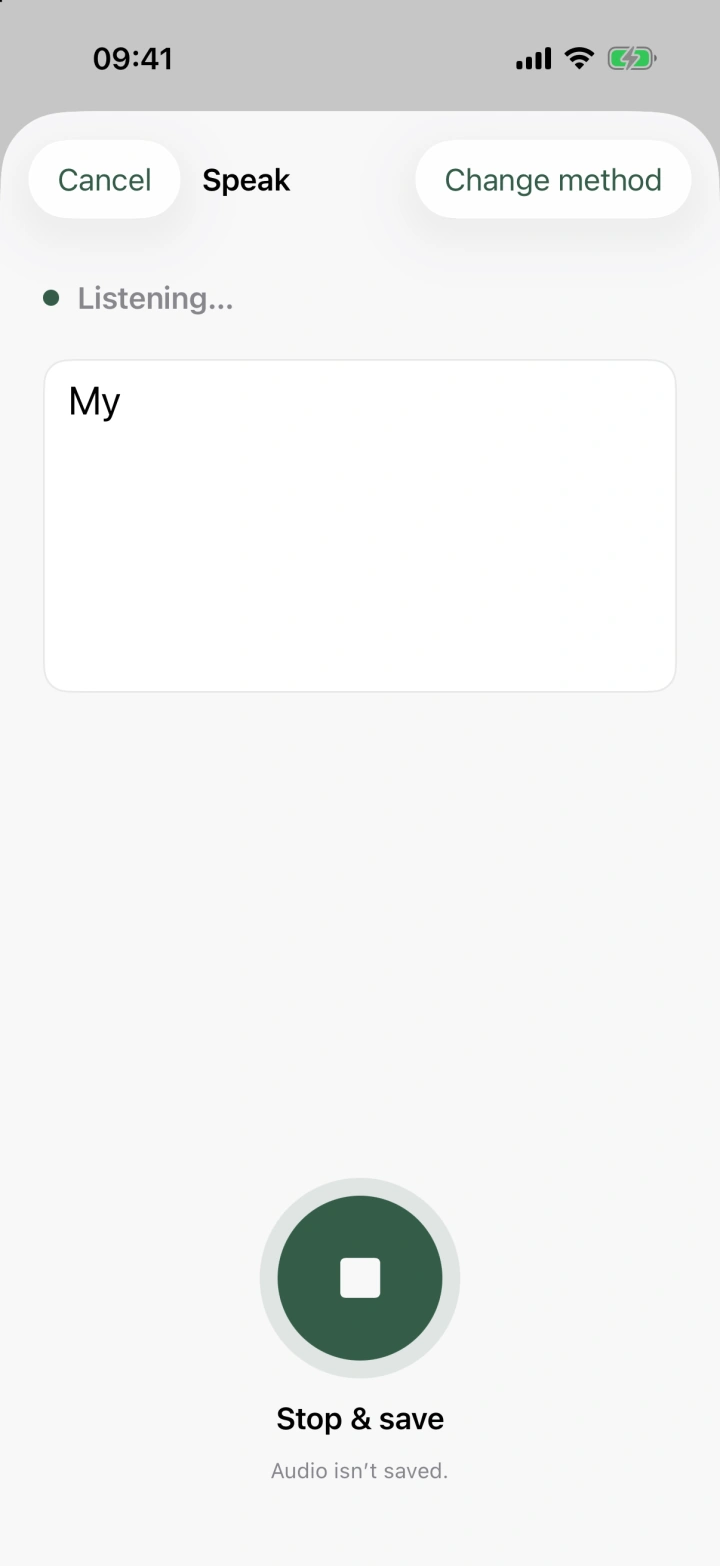
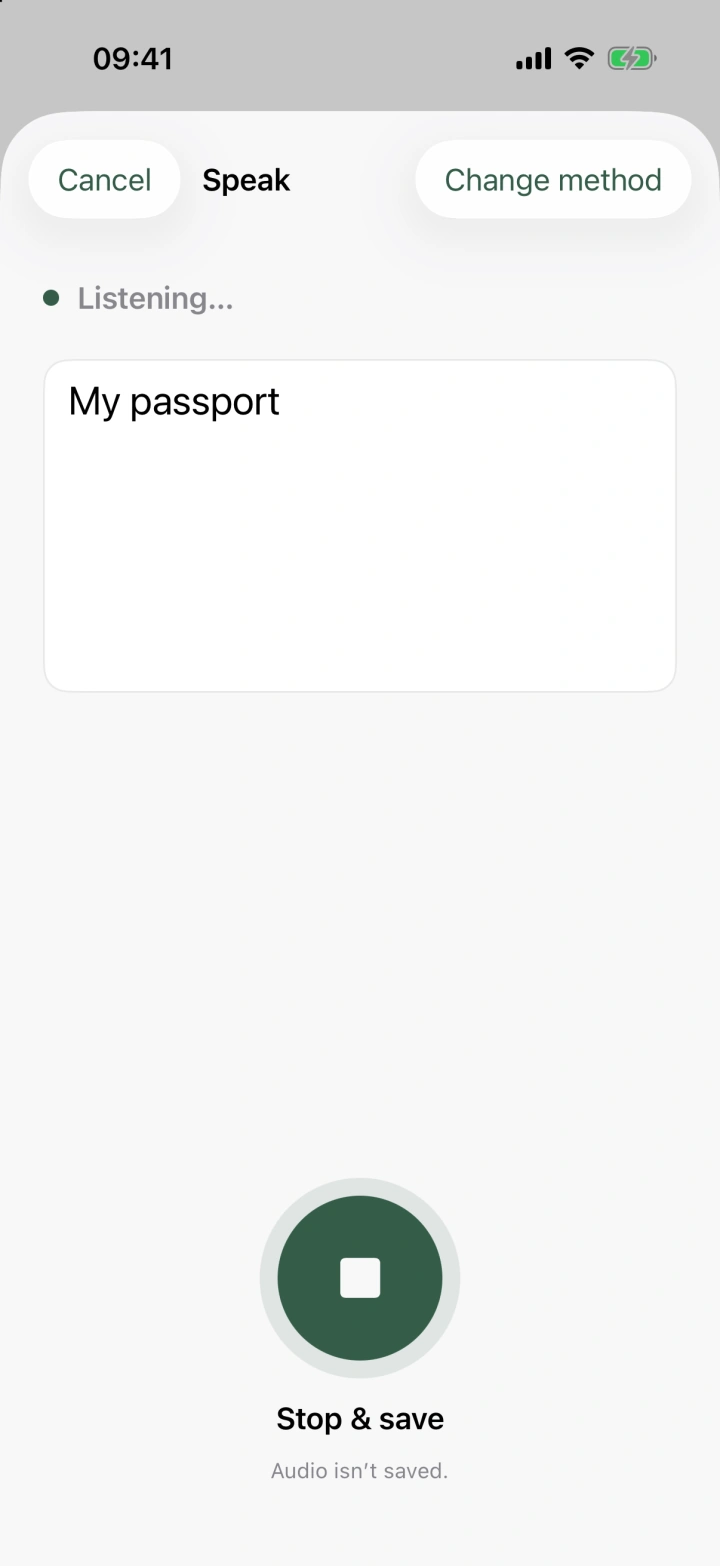
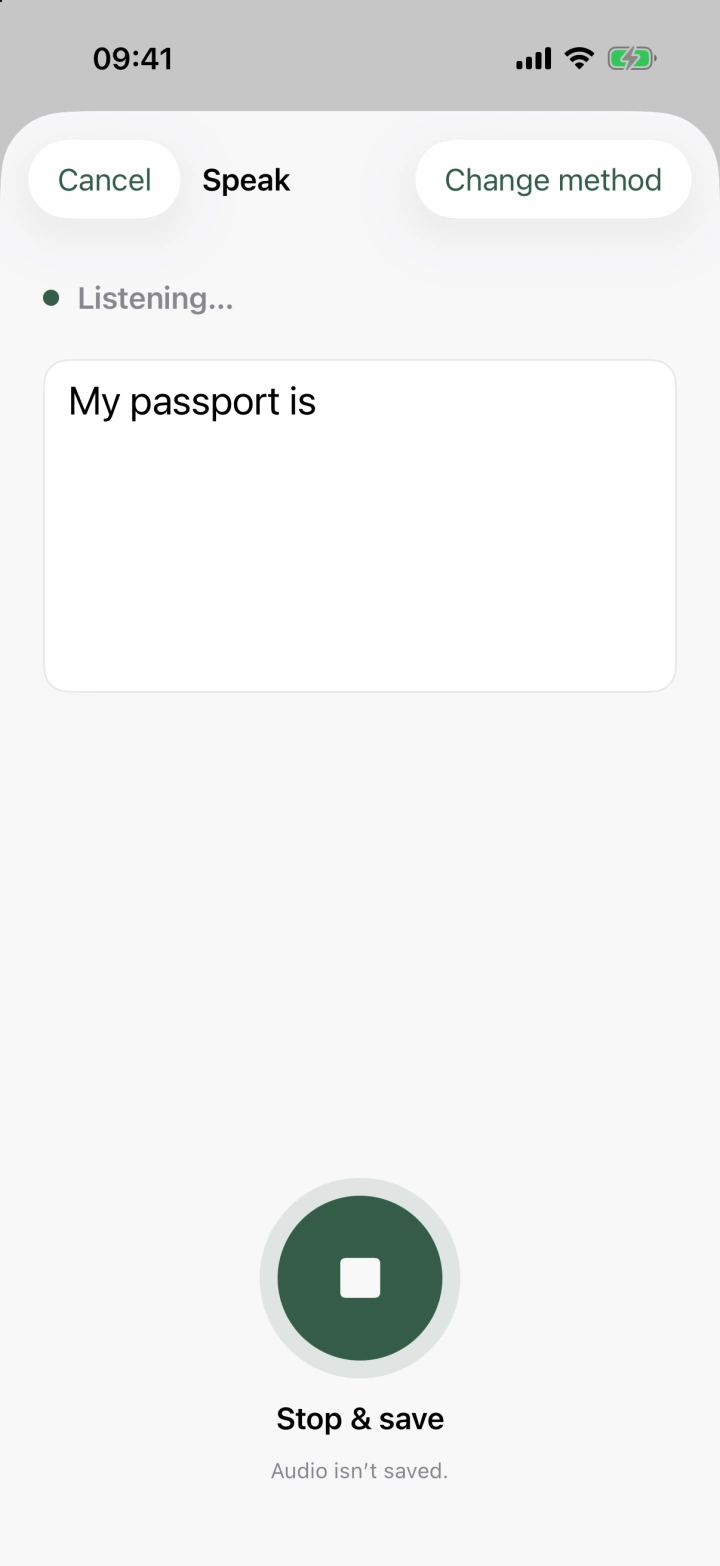
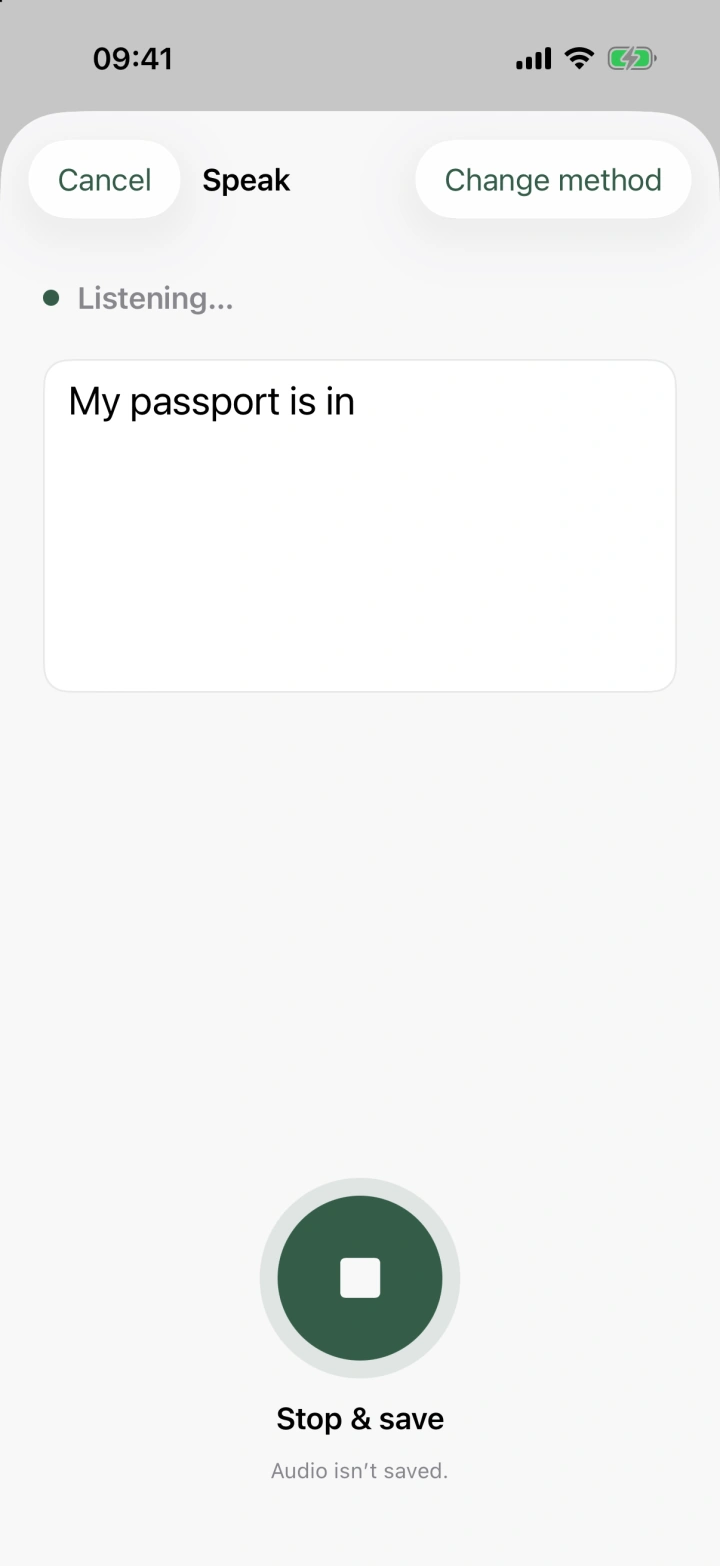
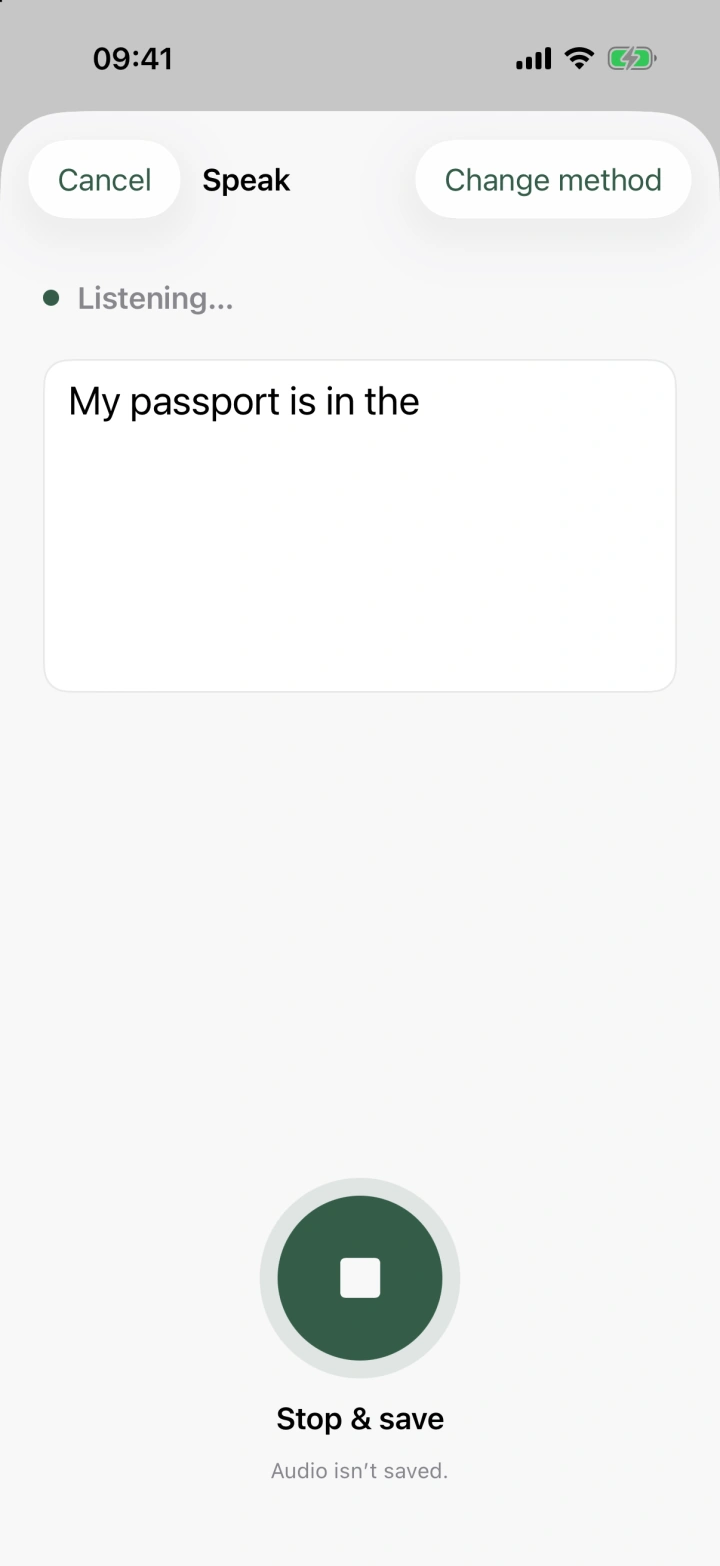
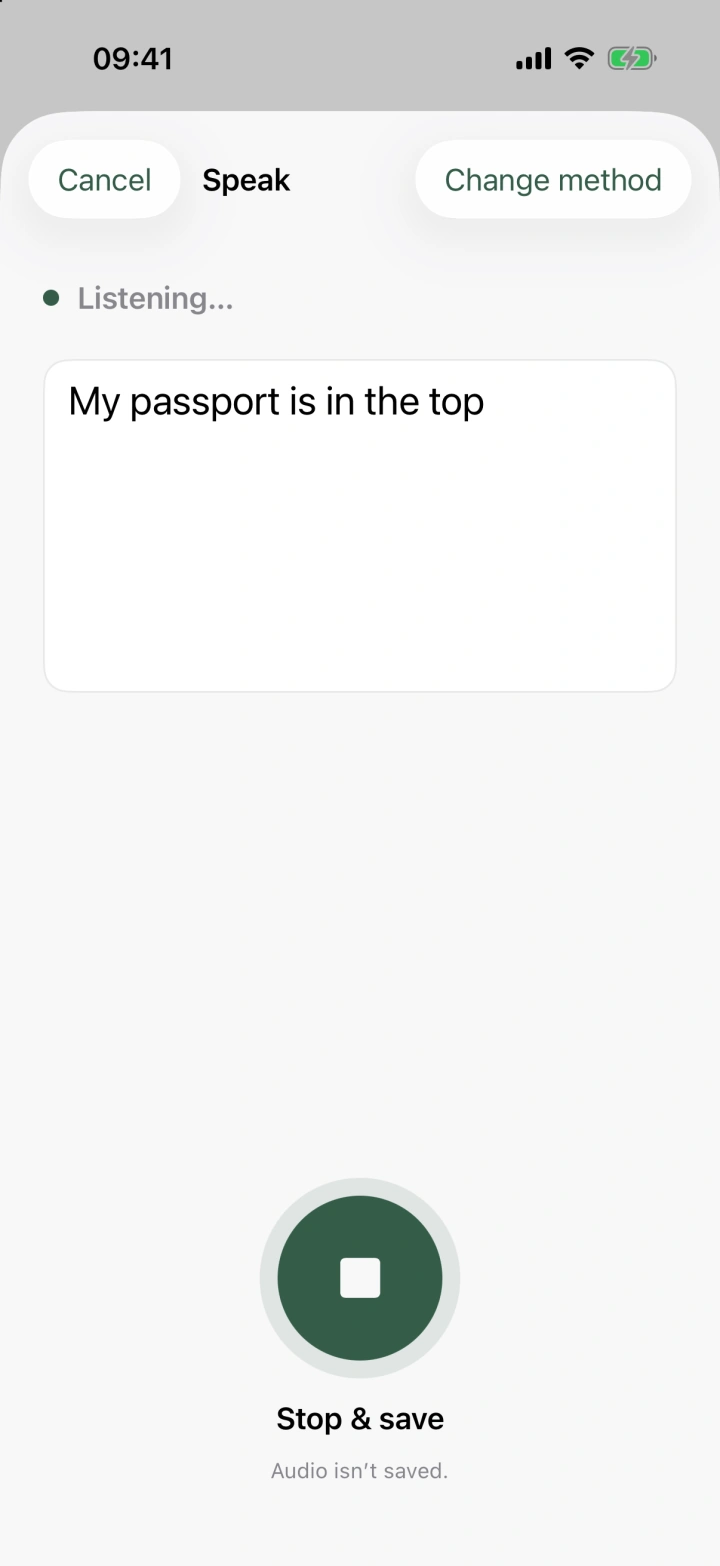
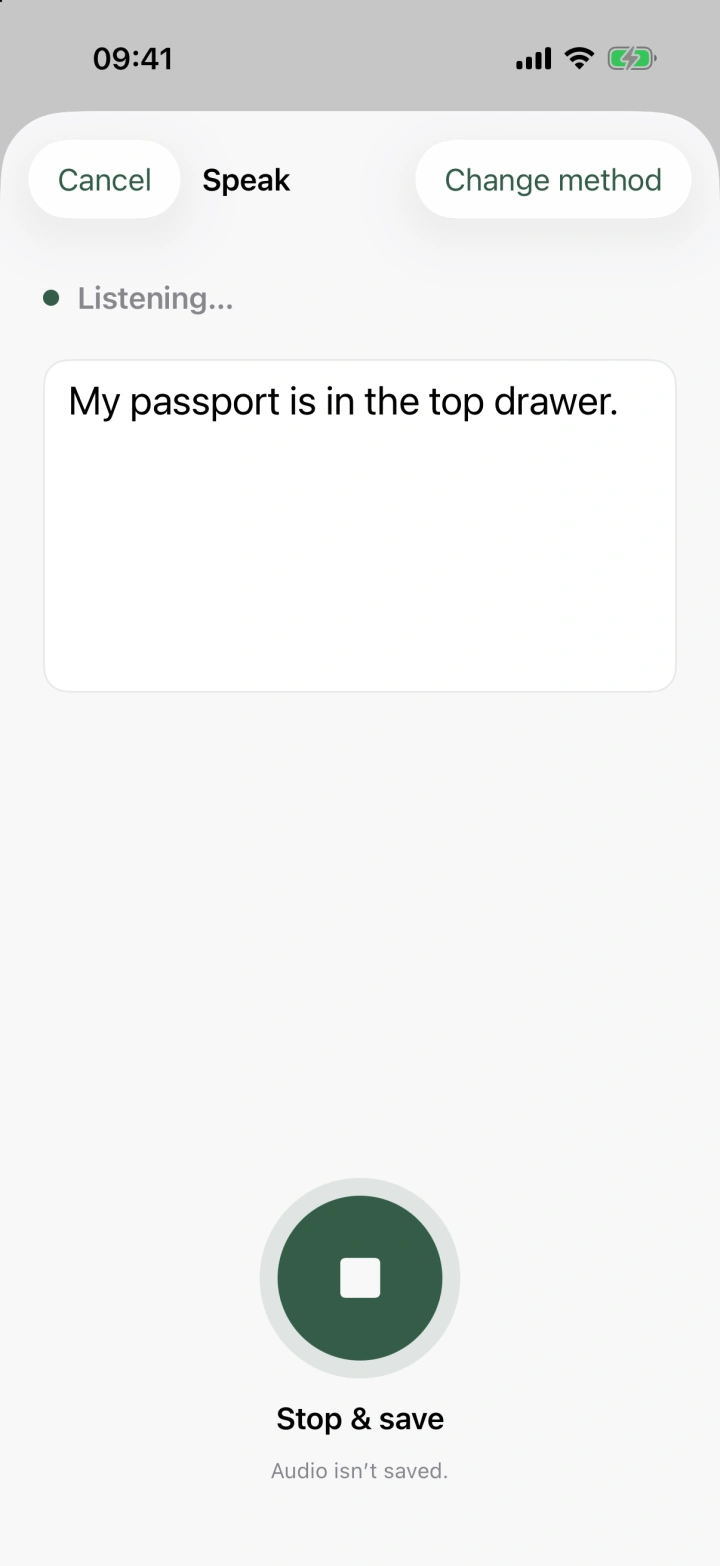
Say it, type it, or take a photo. Save the thing and where you put it. See the three ways to save.
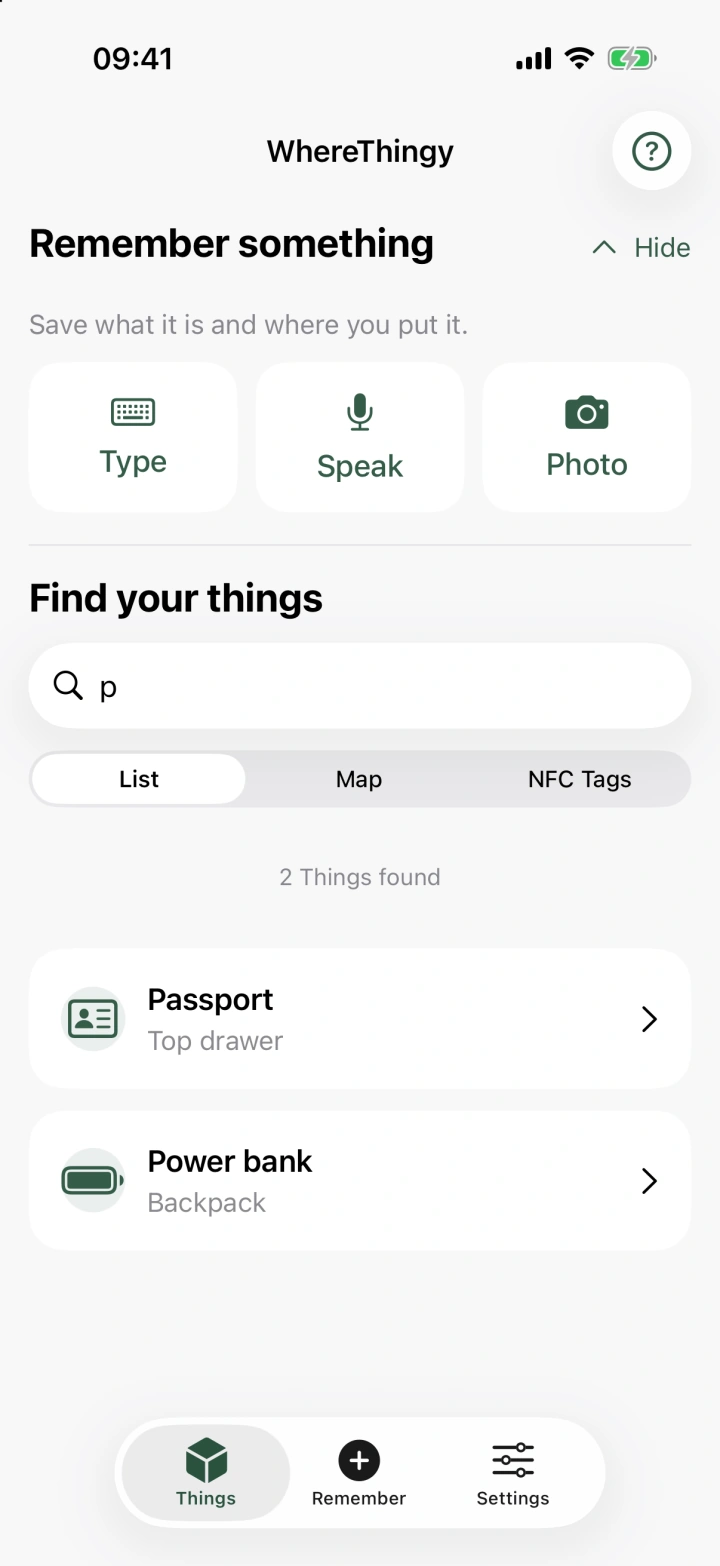
Search for what you need. See the location you recorded, with your saved history. See how to find your things.
For the places you use
An NFC tag is a small sticker or card you can attach to a box, drawer or shelf. Link it to things you save in WhereThingy, then scan it with your iPhone to see those things.
Setting up or editing NFC tags needs a one-time app purchase. Physical tags are sold separately. You can scan saved tags without the unlock.
Your own little library
Your library is the collection of things you save in WhereThingy. You can use it without an internet connection. Private iCloud sync helps keep your saved things up to date across your devices using the same Apple account.
Optional usage analytics help us understand which app features people use. They are off by default and never include your saved things, searches, photos or recordings.
Read the privacy policyA few useful answers
No WhereThingy account is needed. To keep your saved things up to date across devices with iCloud, use the Apple account you already have.
Yes. You can save and find your things offline. Updating your saved things across devices with iCloud, making purchases and using some Apple features need an internet connection.
No. Unlimited saved things and NFC tag features each require a separate one-time purchase. Prices are shown in the app before you buy.
WhereThingy works on iPhones running iOS 26 or later and iPads running iPadOS 26 or later. Scanning NFC tags and using Apple Intelligence to understand text or photos depend on your device. You can always type a thing's name and location yourself.
No. An NFC tag is a small sticker or card you can attach to a box, drawer or shelf and scan with your iPhone. The things linked to it are private to the WhereThingy library that set it up.
Something else on your mind? Get help or send a suggestion.
Allow us to count page visits and link clicks to see how the website is used. We don't link your clicks or visits together or record the identifying codes on tags you scan. Privacy details
Website statistics are off.